Oversight for the AI agents you connect
Safety rules, human approvals and a verifiable record for your AI agents
Connect your agents and the tools they use. Decide what they may do, approve the risky actions yourself, and keep a tamper-evident record of what happened.
AgentBlackBox sees and controls only what your agents send through it or through tools you connect. It does not monitor other AI tools.
Four things, in one place
Visibility
A timeline for every task: what your agents observed, decided and did, and the activity of the apps you connect.
Safety controls
Rules allow, ask first or block each action sent through AgentBlackBox. A held action runs only after it is approved.
Human oversight
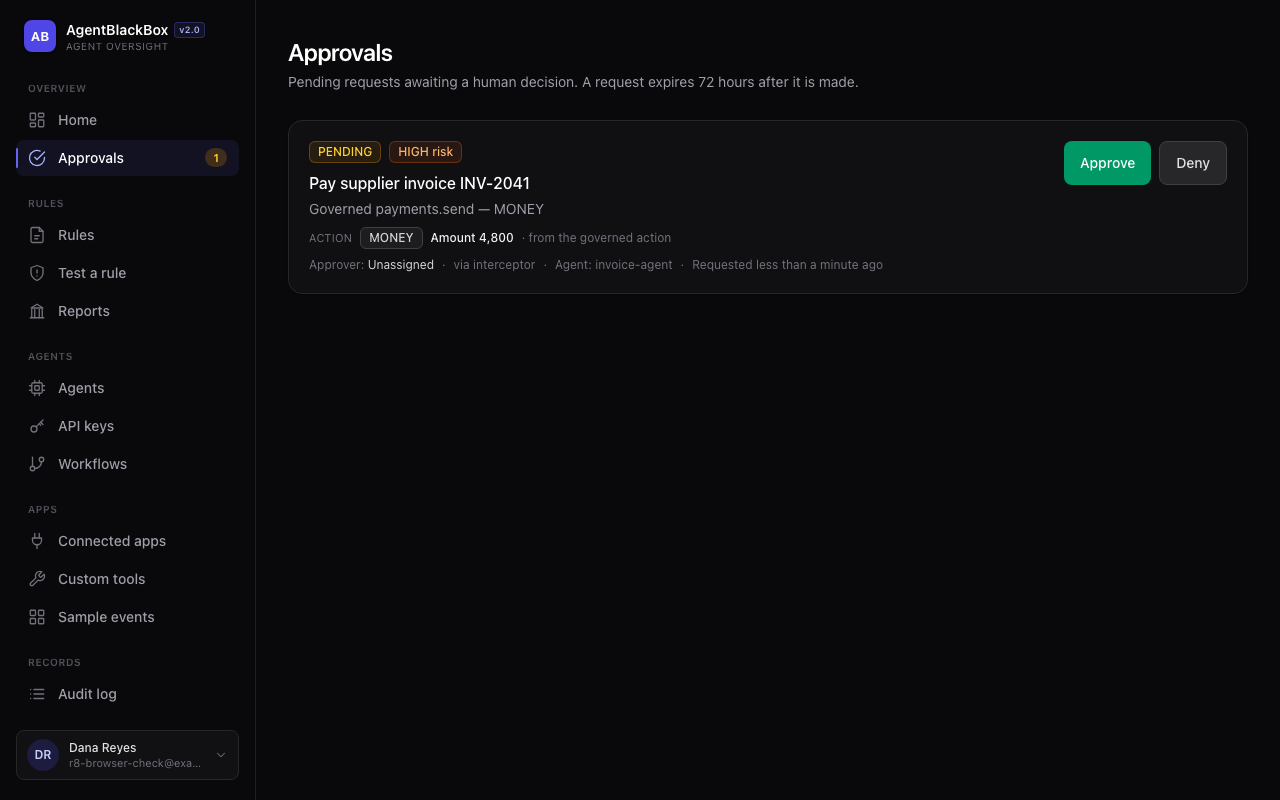
A person decides the risky steps. Requests expire after 72 hours, and approving re-checks the rules in force.
Trustworthy evidence
Hash-chained records you can verify, signed exports for auditors and clients, and an audit log of every change.
Who it helps
Personal
Put clear rules around an AI assistant that acts for you, confirm the risky actions yourself, and keep a record.
Developers
Add a policy check and a human approval step to your agent with a few API calls.
Freelancers
Show clients what your agents did, with a signed, exportable activity record.
Businesses
Shared rules, approver groups, single sign-on and audit exports for your whole team.
How it works
- 1
Connect
Give your agent an API key and send its actions through AgentBlackBox, or connect the apps it works in.
- 2
Decide
Your rules allow an action, ask a person first, or block it. Start in watch-only mode to see what would happen.
- 3
Record
Every decision and approval joins a tamper-evident record that you can verify and export.
What you get today
Every capability and its status →Rules for routed actions
Allow, ask first or block by action type, risk, amount and recipient. Watch-only mode first, then enforce when you are ready.
Human approvals
In a team, risky actions wait for a person other than the one who asked, and approver groups decide who may approve what. In a personal workspace, you confirm them yourself with your password.
Tamper-evident records
Recorded events are hashed and chained. Changes to recorded events are detected when the record is verified.
Exports and reports
A signed JSON export and a printable audit report for every task.
Connected apps
Slack, Gmail, Google Drive, GitHub and Notion, with governed write actions. Your own HTTP and MCP tools go through the same gate.
Teams and sign-in
Owner, admin and member roles; only owners decide what single sign-on grants, and a workspace always keeps an owner. Microsoft Entra single sign-on with domain verification, and SCIM user provisioning.
For your security team
Signed audit-log exports. Streaming to a SIEM and Slack notifications can be switched on for pilot workspaces on request.
Built-in limits
Per-key rate limits on the action gateways, and protection against password guessing.
Security, built in
Each workspace's data is kept separate, secrets are encrypted, API keys are stored only as hashes, and risky settings are owner-only. The details, and what we do not claim, are on the security page.
Read about securityWhat AgentBlackBox does not do
- It does not monitor AI tools you have not connected, or actions your agents take with their own credentials.
- It holds no SOC 2, ISO 27001 or similar certification yet.
- Exports are signed by AgentBlackBox; others cannot check that signature on their own yet.
Start with a free workspace
Working with a team? Our pilot program helps you set it up with us.